
01 / The customer decision
Start with the information the visitor needs.
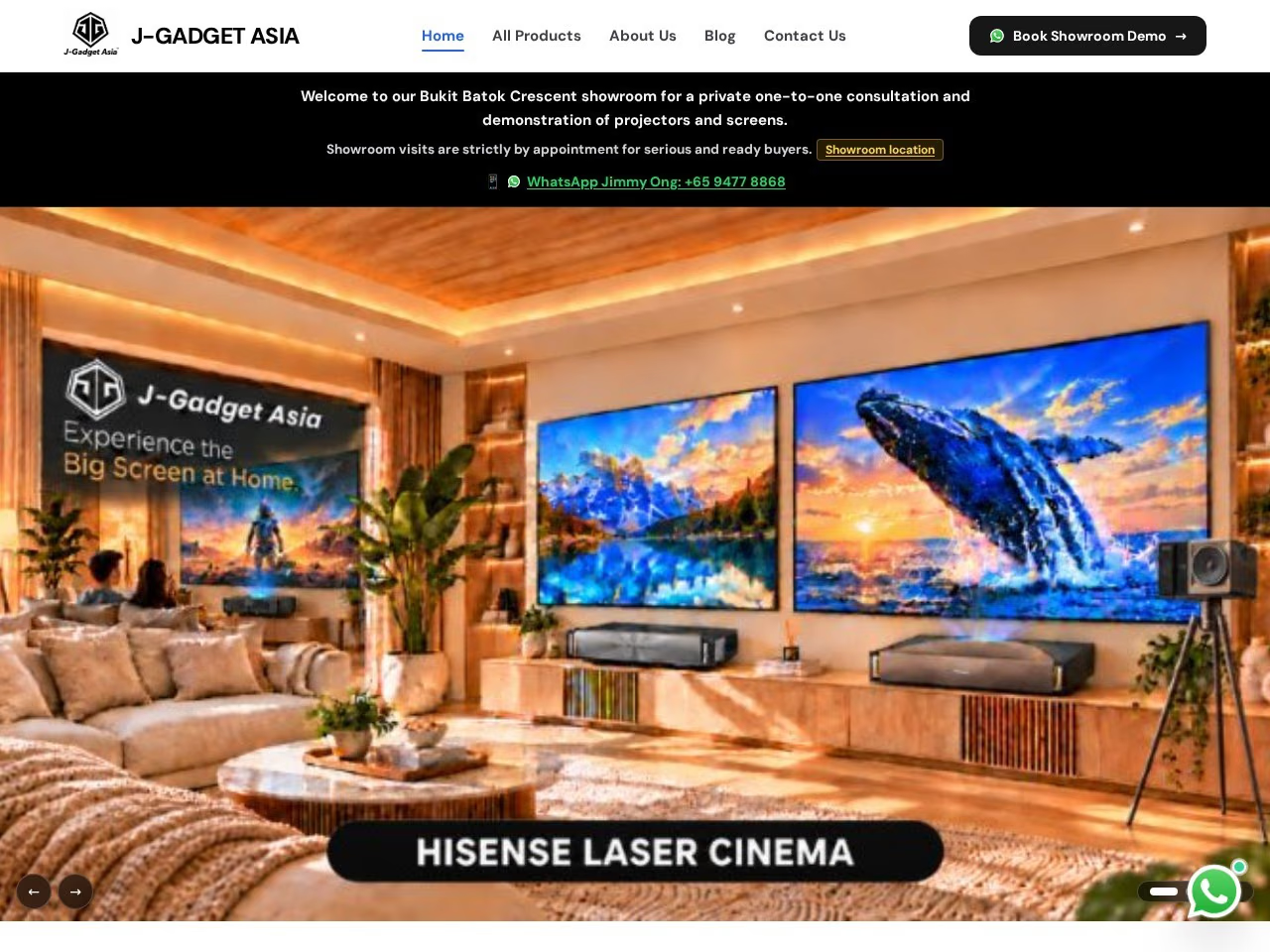
A product announcement often reaches people who have never dealt with the business. They need to understand what the product is, which problem it addresses, and whether its specifications and availability fit their needs.
Be precise about the action. An enquiry, a reservation and a paid order have different operational requirements. If you are not ready to accept online payments, an enquiry page should say what happens after someone contacts you.
02 / A practical content plan
A product launch enquiry page: a useful starting structure.
This is an example content plan for discussion. It describes information to organise, rather than an automatic promise that every feature or section is included.
Product and use
Introduce the product and its intended application using accurate approved claims.
Specifications
Organise the relevant dimensions, variants, compatibility or requirements in readable text.
Availability and conditions
Publish only confirmed pricing, release information or order conditions.
Enquiry brief
Invite the visitor to mention the model, quantity or intended use that your team needs to advise them.
03 / Choose by the work required
Check the fit before choosing a package.
- Choose this page
- One product or tightly related offer needs a clear introduction.
- Consider a catalogue
- Multiple products require categories or separate specification pages.
- Discuss a store
- Cart, checkout, payments, stock control and order fulfilment need a separately agreed ecommerce scope.
04 / Promotional packages
A clear scope at each price.
| Scope | Price | Content editing | Next step |
|---|---|---|---|
| 1 landing pageLanding page | $100 | No CMS | Discuss $100 scope ↗ |
| 5 pagesBusiness website | $150 | No CMS | Discuss $150 scope ↗ |
| 5 pagesWebsite with CMS | $200 | Supported CMS editing | Discuss $200 scope ↗ |
| Up to 10 pagesCMS + programmatic SEO | $300 | Supported CMS editing | Discuss $300 scope ↗ |
| Up to 20 pagesSEO-friendly website + pSEO | $400 | Discuss editing requirements | Discuss $400 scope ↗ |
These are promotional website packages. They are separate from the standard website packages. The ten- and twenty-page limits include the shared website pages; they are not extra pages added on top.
I agree page types, source content and functionality before work starts. Payment, delivery, domain, hosting, revisions and support arrangements should be confirmed with your project scope. No recurring service, advanced integration or unlimited future work is implied by the page count.
05 / Prepare a useful brief
What to send with your enquiry.
- Approved product name, images and specifications.
- The intended buyer and application.
- Confirmed availability and any published price.
- The information you need to answer an enquiry.
Public website links and a description of your needs are enough to start the discussion. Share account access through an appropriate invitation when needed; do not put passwords in an enquiry message.
06 / Before you decide
Questions about this website scope.
Can customers buy through the page?
This enquiry-page scope does not automatically include checkout. Tell me if payment collection is required.
Can I show several variants?
Send the variant information. I can decide whether one page remains understandable or whether a larger catalogue is more suitable.
Should I publish a launch date?
Use a date only when your business has confirmed it. The page does not need invented urgency to explain the product.