
01 / The customer decision
Start with the information the visitor needs.
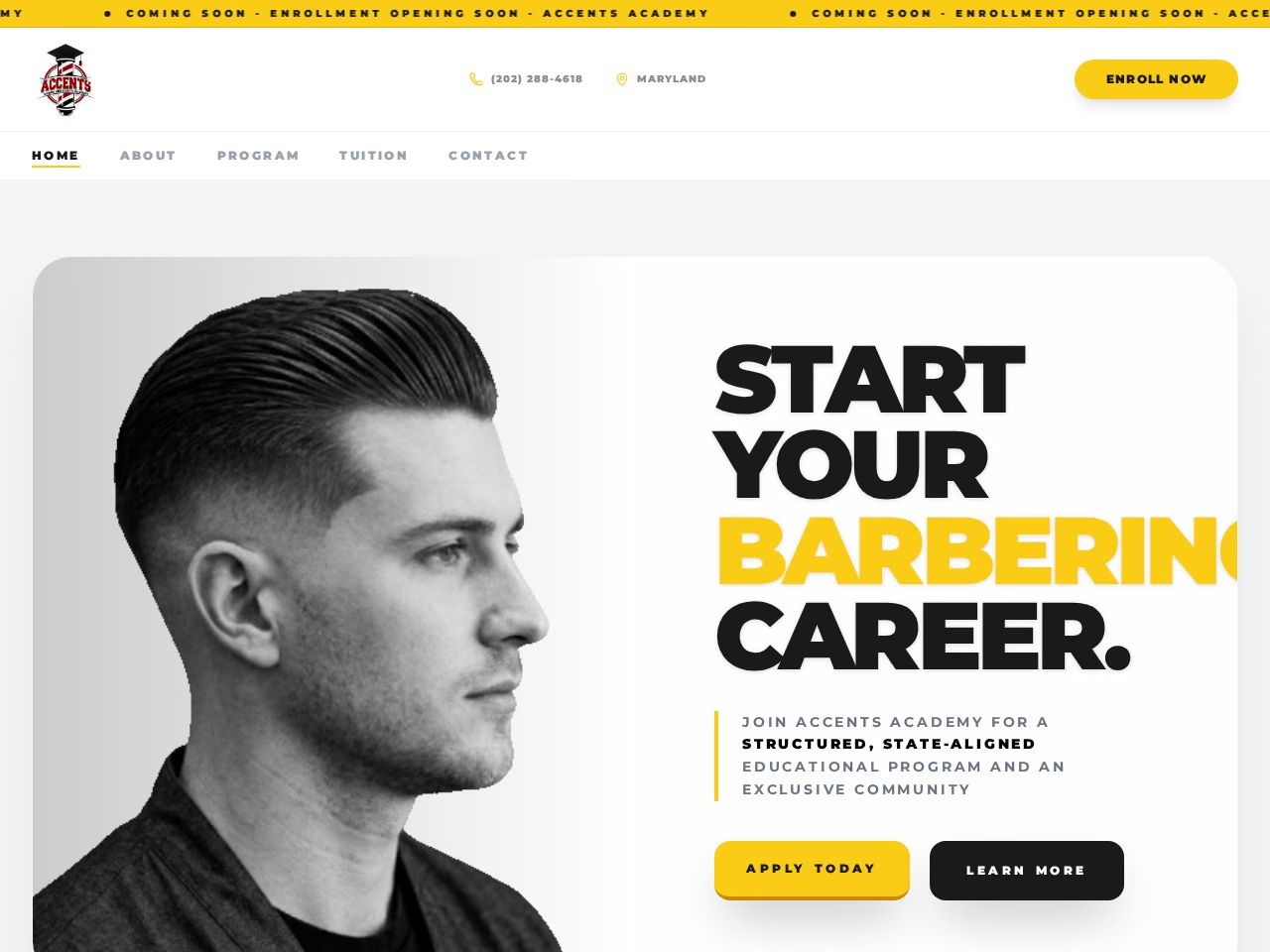
Applicants may need to compare course content, duration, entry requirements and the credential actually awarded. These are different questions from a school tuition enquiry and should be explained using accurate training-provider information.
Intake changes need an editing plan. A website can display a schedule without operating an application workflow, payment system or learning platform. Decide which task the first version should support.
02 / A practical content plan
Present a course and its next intake clearly: a useful starting structure.
This is an example content plan for discussion. It describes information to organise, rather than an automatic promise that every feature or section is included.
Course purpose
Describe the skills covered and the intended applicant without unsupported employment promises.
Syllabus and format
Organise modules, duration and delivery information approved by the provider.
Entry and intake details
Publish confirmed prerequisites, dates and fee information.
Enrolment next step
Explain how to ask about suitability, documents or availability.
03 / Choose by the work required
Check the fit before choosing a package.
- Use five-page CMS
- A small course range and supported intake edits cover the need.
- Plan more pages
- Different courses have substantial unique syllabuses and entry requirements.
- Scope separately
- Application databases, document uploads, payment collection and LMS functions are additional work.
04 / Promotional packages
A clear scope at each price.
| Scope | Price | Content editing | Next step |
|---|---|---|---|
| 1 landing pageLanding page | $100 | No CMS | Discuss $100 scope ↗ |
| 5 pagesBusiness website | $150 | No CMS | Discuss $150 scope ↗ |
| 5 pagesWebsite with CMS | $200 | Supported CMS editing | Discuss $200 scope ↗ |
| Up to 10 pagesCMS + programmatic SEO | $300 | Supported CMS editing | Discuss $300 scope ↗ |
| Up to 20 pagesSEO-friendly website + pSEO | $400 | Discuss editing requirements | Discuss $400 scope ↗ |
These are promotional website packages. They are separate from the standard website packages. The ten- and twenty-page limits include the shared website pages; they are not extra pages added on top.
I agree page types, source content and functionality before work starts. Payment, delivery, domain, hosting, revisions and support arrangements should be confirmed with your project scope. No recurring service, advanced integration or unlimited future work is implied by the page count.
05 / Prepare a useful brief
What to send with your enquiry.
- Approved course descriptions and syllabus.
- Verified prerequisites and credential wording.
- Confirmed intake, duration and fee information.
- The applicant details needed before enrolment advice.
Public website links and a description of your needs are enough to start the discussion. Share account access through an appropriate invitation when needed; do not put passwords in an enquiry message.
06 / Before you decide
Questions about this website scope.
Can I publish accreditation?
Use only wording and evidence the provider can verify and is authorised to publish.
Does the page collect applications?
An enquiry link is the starting point. Structured applications or document handling must be scoped.
Can I update the next intake?
Describe the fields and update process so the CMS setup supports the agreed task.